Pause or restart the tournament clock
1.Open Tournament: tap the trophy icon on the bar at the bottom.

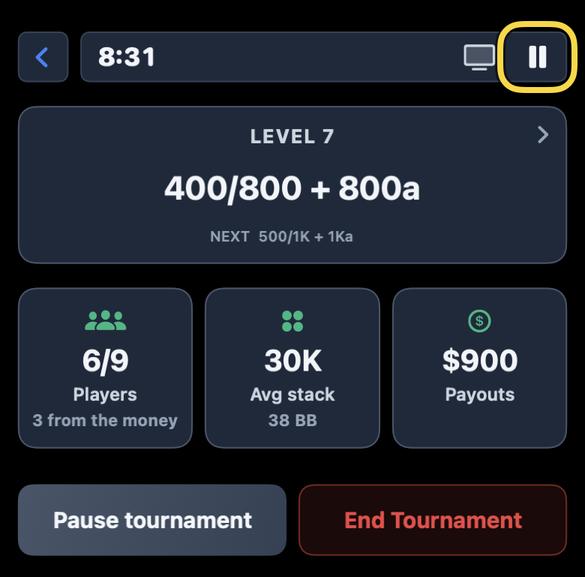
2.Tap the pause button at the right end of the clock bar at the top. The same button starts the clock again.
Pictures use example players and the newest iPhone app.