Change a player's stack (rebuy, add-on, wrong count)
1.Open the Panel: tap the list icon at the far left of the bar at the bottom.

2.Between hands, tap the green $ key (Set Stack) on the player's row and type their new stack.
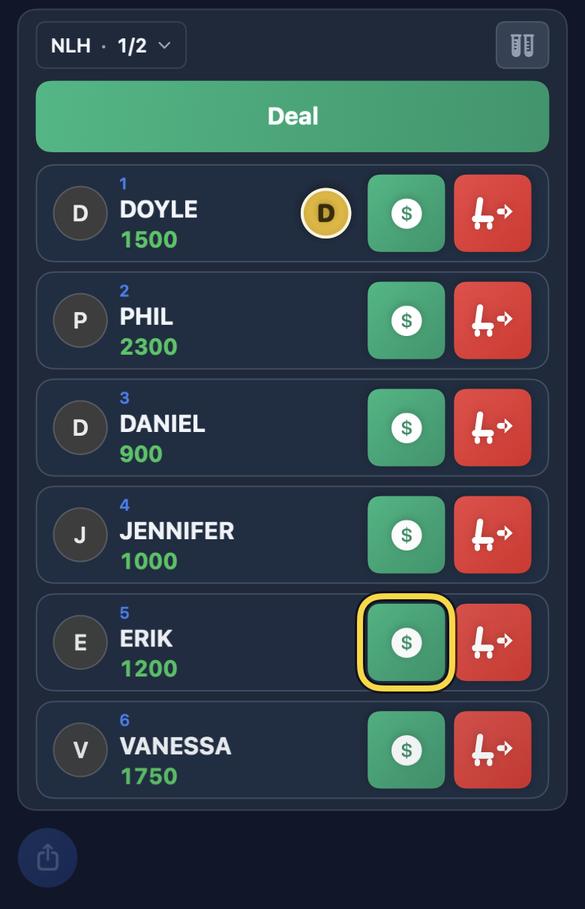
Pictures use example players and the newest iPhone app.