Run it twice
1.Open the Panel: tap the list icon at the far left of the bar at the bottom.

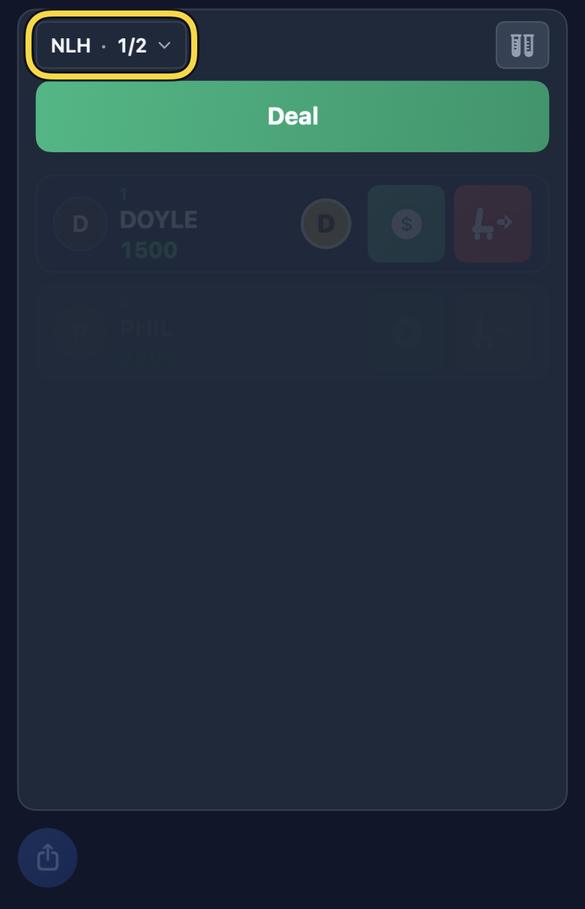
2.Tap the game pill at the top left of the Live screen (it shows your game and blinds, like NLH · 1/2).
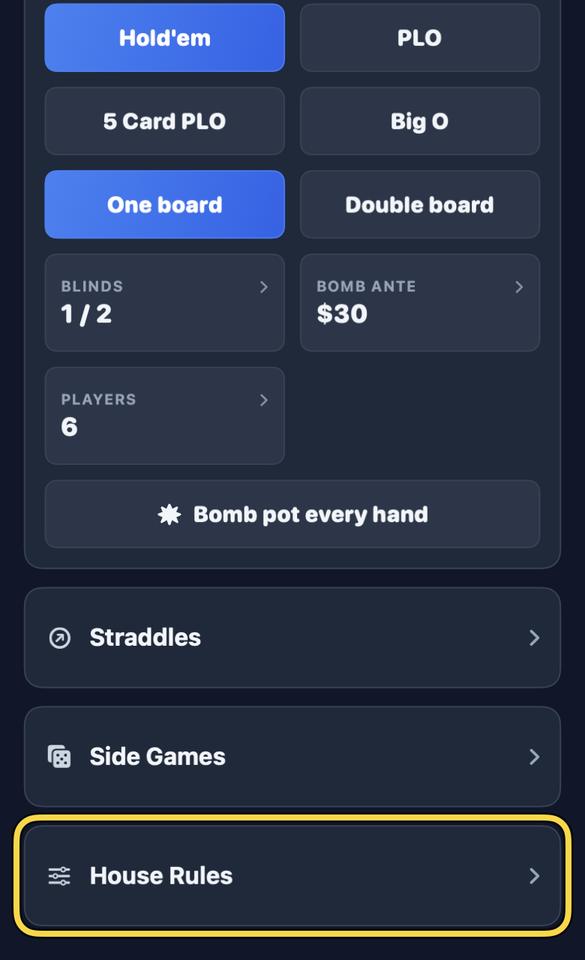
3.Tap House Rules.
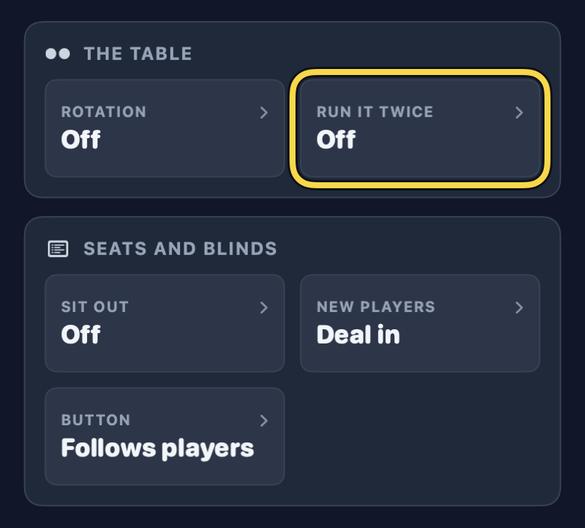
4.Tap the Run It Twice tile.
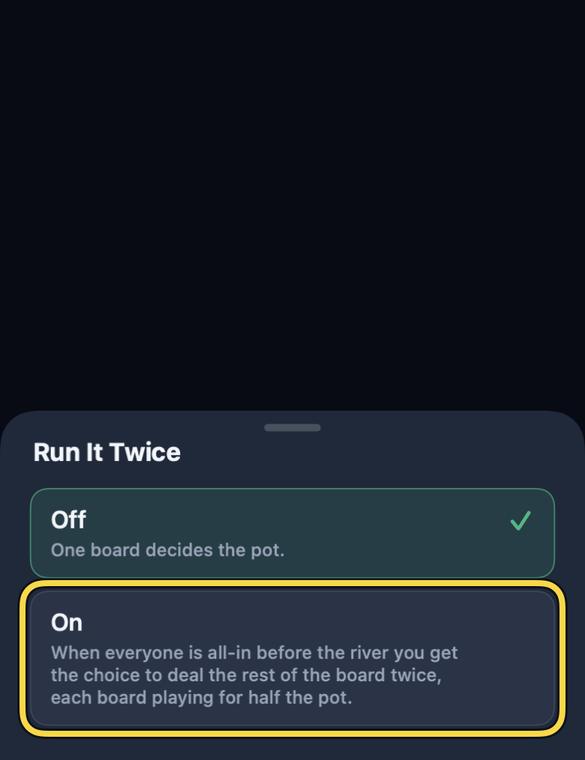
5.Tap On. It stays on for this room.
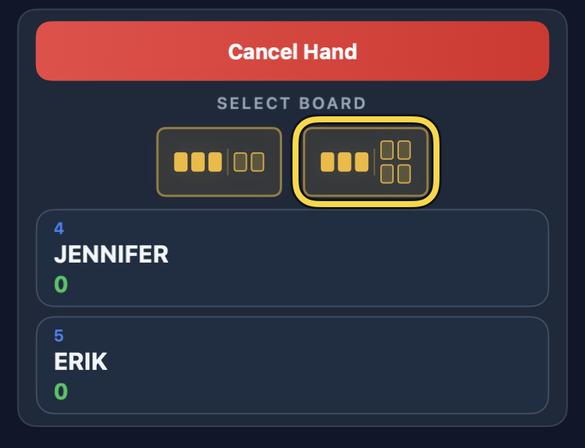
6.When everyone is all in before the river and the betting is done, SELECT BOARD appears with two small board pictures. Tap the one with two rows to run it twice.
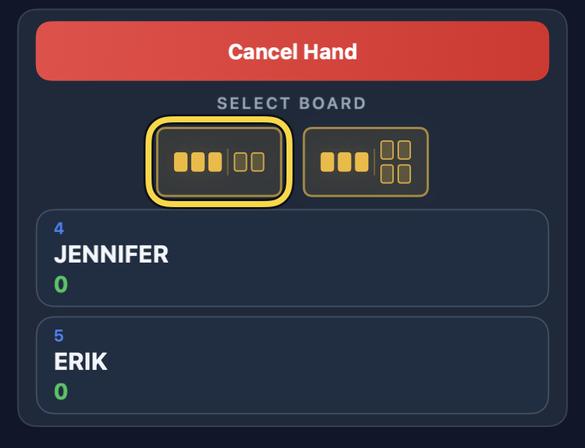
7.Or tap the one-row picture to run it once.
Pictures use example players and the newest iPhone app.