A player busts
1.Open the Panel: tap the list icon at the far left of the bar at the bottom.

2.Between hands, tap the green $ key (Set Stack) on the player's row and type their new stack.
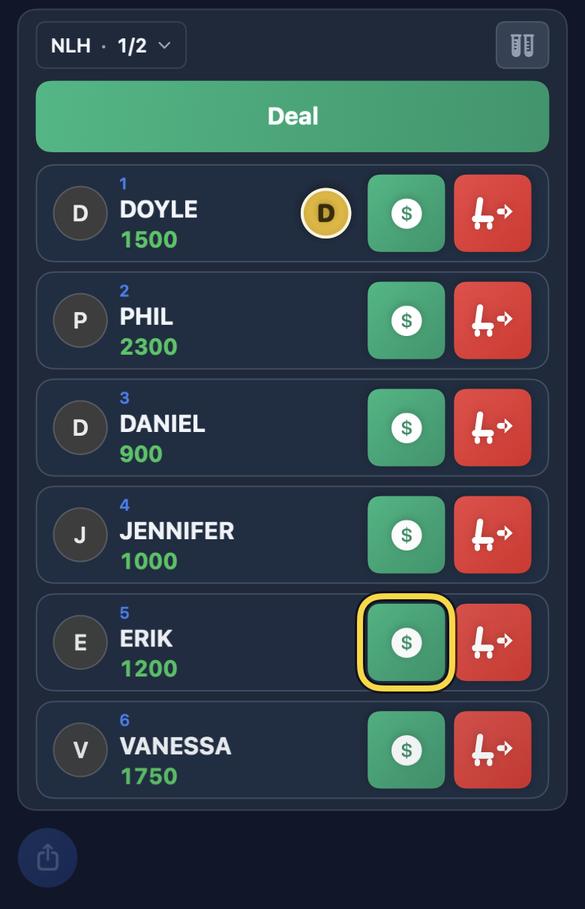
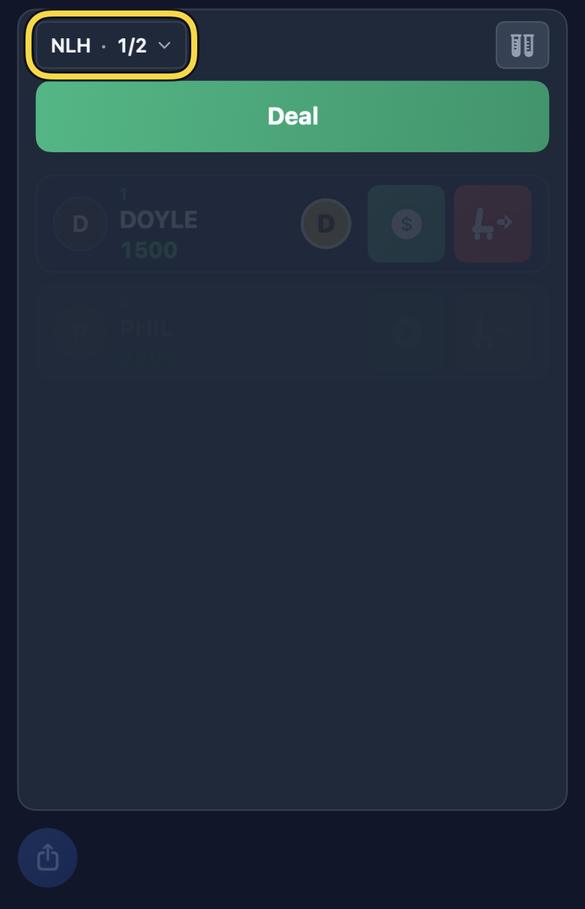
3.Tap the game pill at the top left of the Live screen (it shows your game and blinds, like NLH · 1/2).
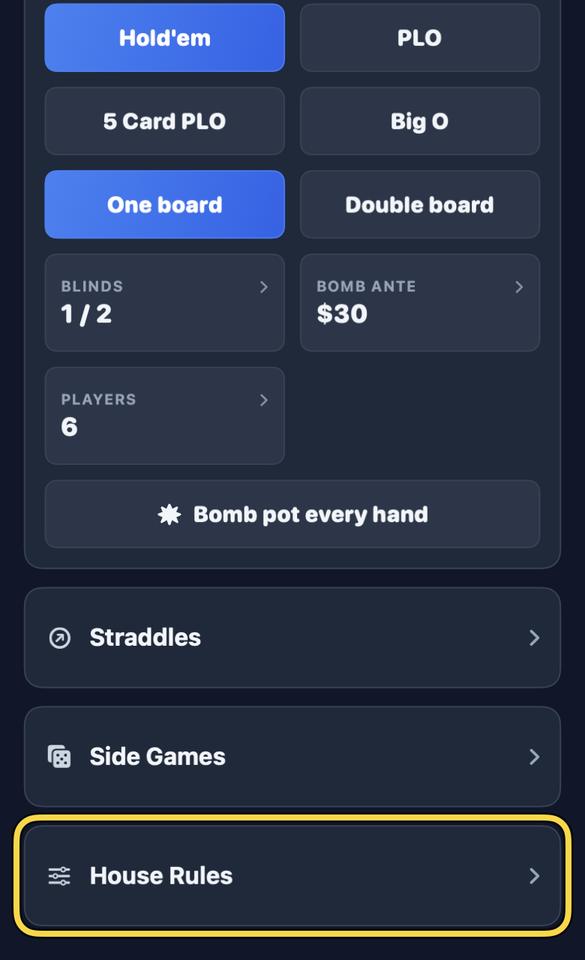
4.Tap House Rules.
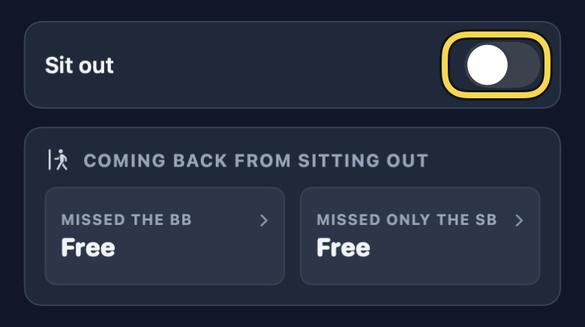
5.Tap Sit out.
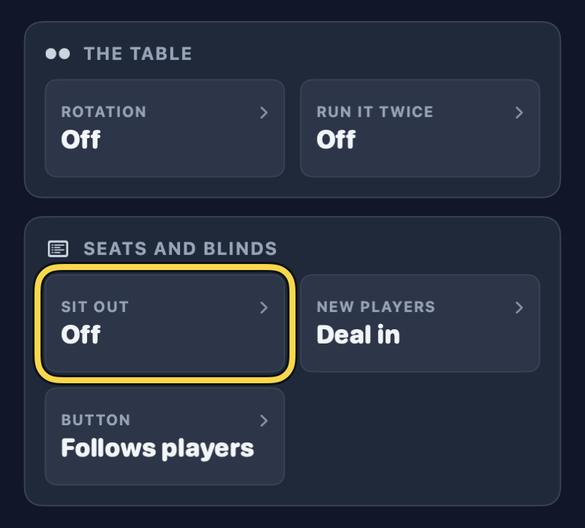
6.Turn on the Sit out switch. It stays on for this room.
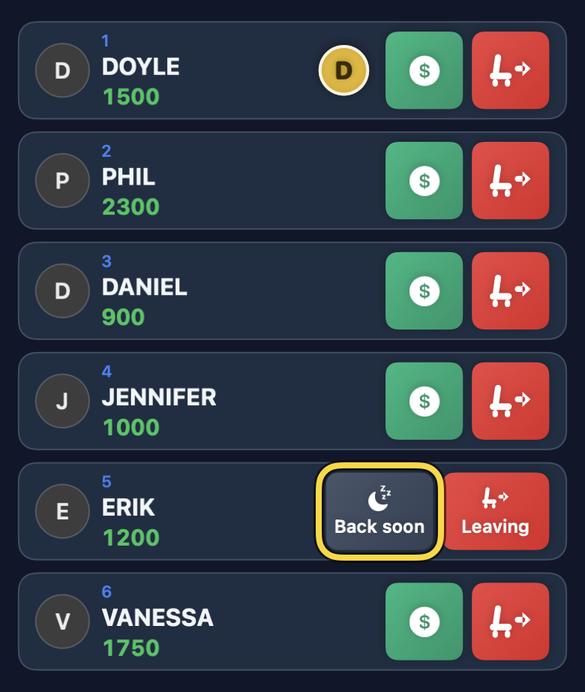
7.Between hands, tap the red Unseat key on the player's row (the chair with an arrow).
8.The row now asks Back soon or Leaving. Tap Back soon: the player keeps their seat and chips, the blinds pass them, and they come off the stream's graphics. (Leaving takes them off the table.)
9.When they come back, tap the blue I'm back key on their row. Your house rules decide whether they post the blinds they missed.
Pictures use example players and the newest iPhone app.