Set what a phone camera films (seats or CardEYE)
This is set on the camera phone itself.
1.On the phone that will be the camera, tap the camera icon in the middle of the bar at the bottom.

2.Tap the seats this phone films (they turn green).
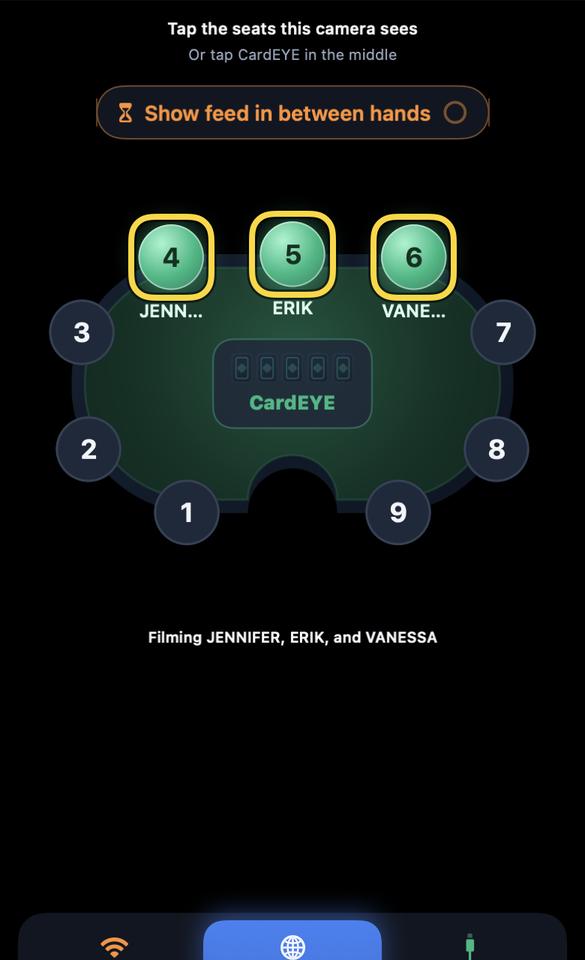
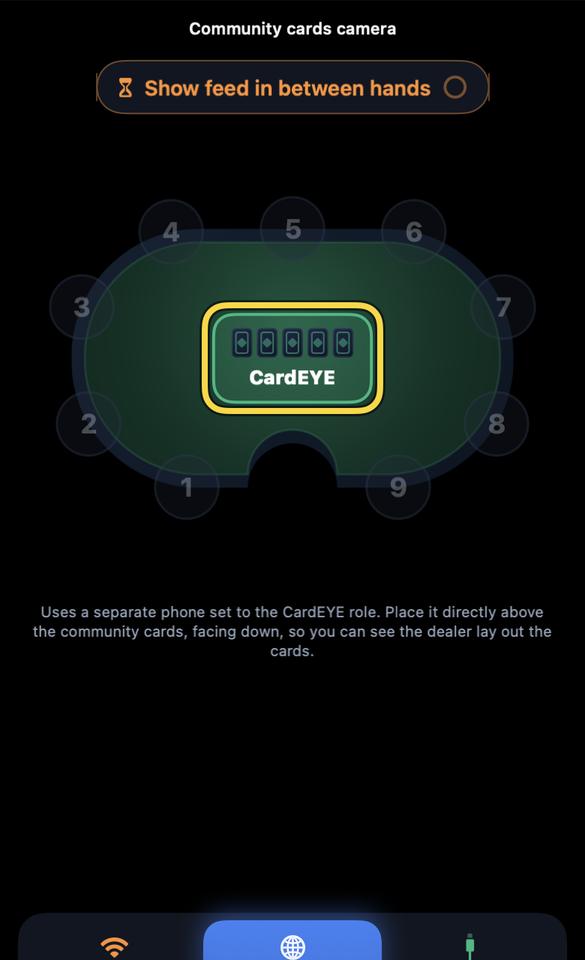
3.Or, for the camera over the board, tap CardEYE in the middle of the table.
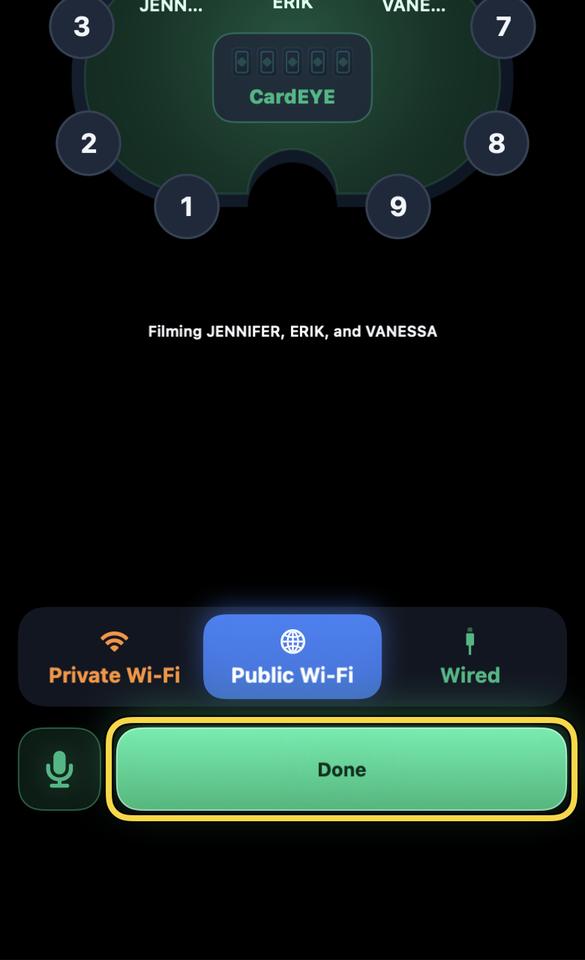
4.Pick how it connects (Private Wi-Fi, Public Wi-Fi or Wired), then tap Done.
Pictures use example players and the newest iPhone app.