Go live (start or stop the stream)
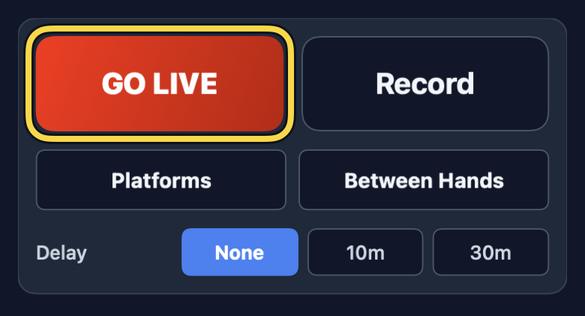
GO LIVE sends to every site that has a stream key. With no key yet it opens the YouTube key field instead; add the key, then tap GO LIVE again.
1.Open Stream: tap the broadcast icon (second from the left) on the bar at the bottom.

2.Tap GO LIVE. While live the same button stops the stream.
Pictures use example players and the newest iPhone app.