Background music between hands
The music plays only between hands and dips under a talking caster.
1.Open Stream: tap the broadcast icon (second from the left) on the bar at the bottom.

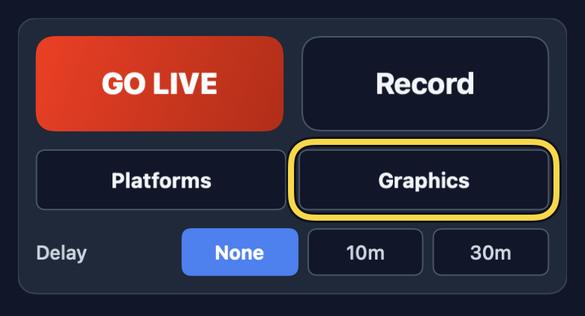
2.Tap Graphics.
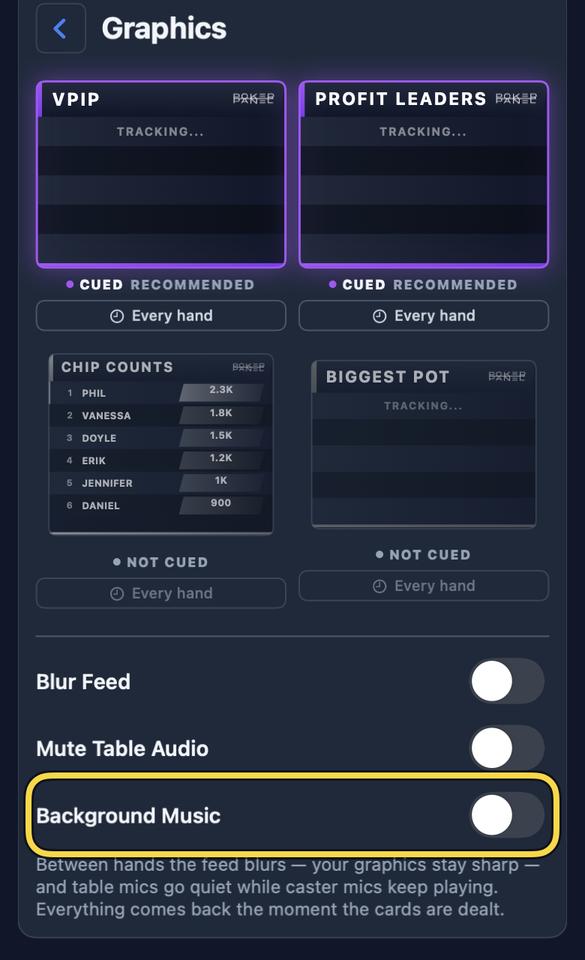
3.Turn on Background Music. A level slider appears under it.
Pictures use example players and the newest iPhone app.