Put the webcams on their seats
1.Open the Panel: tap the list icon at the far left of the bar at the bottom.

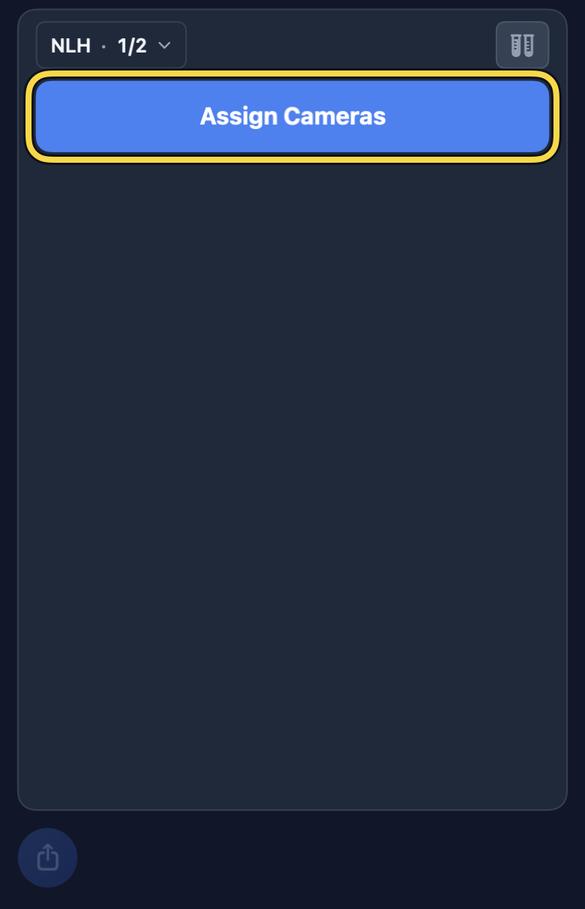
2.Between hands, tap Assign Cameras (the big button, when webcams are not on their seats yet).
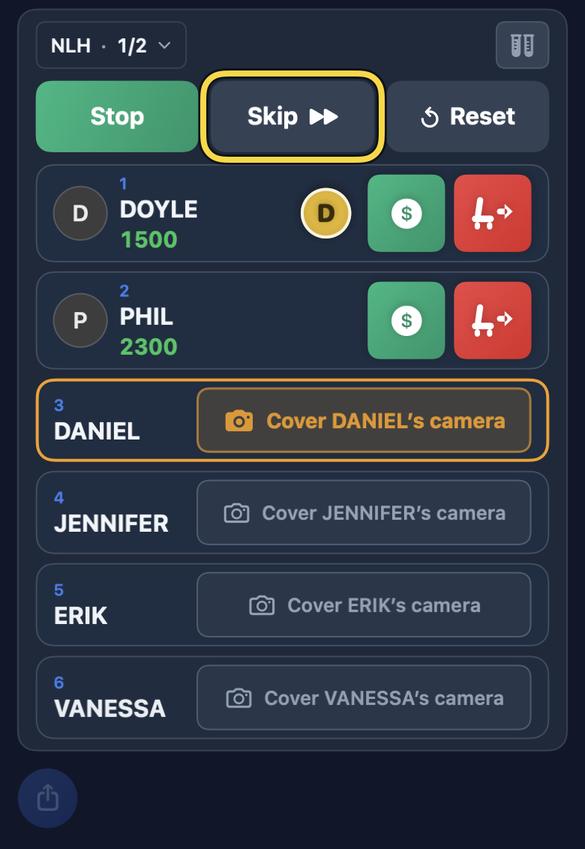
3.The panel names one seat at a time: cover that player's webcam with your hand until the row turns green. Skip passes a seat that has no camera.
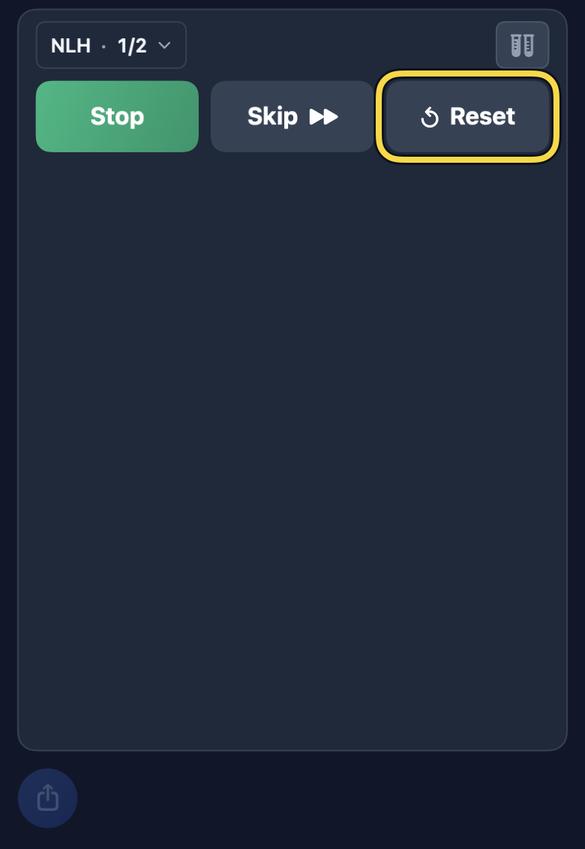
4.To start again from seat 1, tap Reset, then Reset all? within 4 seconds.
Pictures use example players and the newest iPhone app.